

Conception
- Comment préparer les fichiers pour l’impression
- Comment réduire la taille d’un fichier pour l’impression textile sans perte de qualité ?
- Pourquoi mon design paraît-il flou dans l’éditeur ?
- Puis-je télécharger des fichiers avec une résolution supérieure à 300 dpi ?
- Qu'est-ce qu'un mètre linéaire ?
- Est-ce que mon design reste confidentiel ?
- Puis-je imprimer des photos sur du tissu ?
- Que faire si je ne peux pas télécharger mon design ?
- Quel profil colorimétrique utiliser pour l’impression textile ?
- Comment commander un produit textile personnalisé avec mon design ?
- Y a-t-il un minimum de commande pour les produits textiles personnalisés ?
- How do I leave areas of the fabric unprinted?
Production
- Votre impression est-elle écologique ?
- Avec quelle technique et quelles machines imprimez-vous ?
- Quelles méthodes d’impression sont disponibles pour les articles textiles personnalisés ?
- Qu'est-ce que le traitement préalable et à quoi sert-il ?
- Quelle est la différence entre l’impression DTF et la sublimation ?
- Qu’est-ce que la certification OEKO-TEX et pourquoi est-elle importante ?
- Pouvez-vous imprimer sur des tissus foncés ?
- Comment entretenir les tissus imprimés et les vêtements DTF
- Comment obtenir des couleurs précises en impression textile personnalisée
- Qu’est-ce que l’impression pigmentaire numérique sur tissu et en quoi diffère-t-elle de la sublimation ?
Vente en gros et B2B
- Y a-t-il un minimum de commande pour l’impression de tissu en gros ?
- Comment passer une commande d’impression de tissu en volume ?
- Muzefab propose-t-il le fulfillment en marque blanche et le dropshipping ?
- Puis-je obtenir une facture avec TVA pour la commande de mon entreprise ?
- Comment fonctionne la confection cut and sew chez Muzefab ?
- Comment obtenir un devis personnalisé pour une commande importante ou complexe ?
Mes commandes
Paiement et livraison
How do I leave areas of the fabric unprinted?
If you want part of the fabric to stay unprinted, so the natural colour of the base fabric shows through, how you prepare the file depends on the printing method. For fabric printing by the meter and all-over print products, white means "no ink". For DTF, white is printed as white ink.
Digital printing on natural fabrics and sublimation on polyester
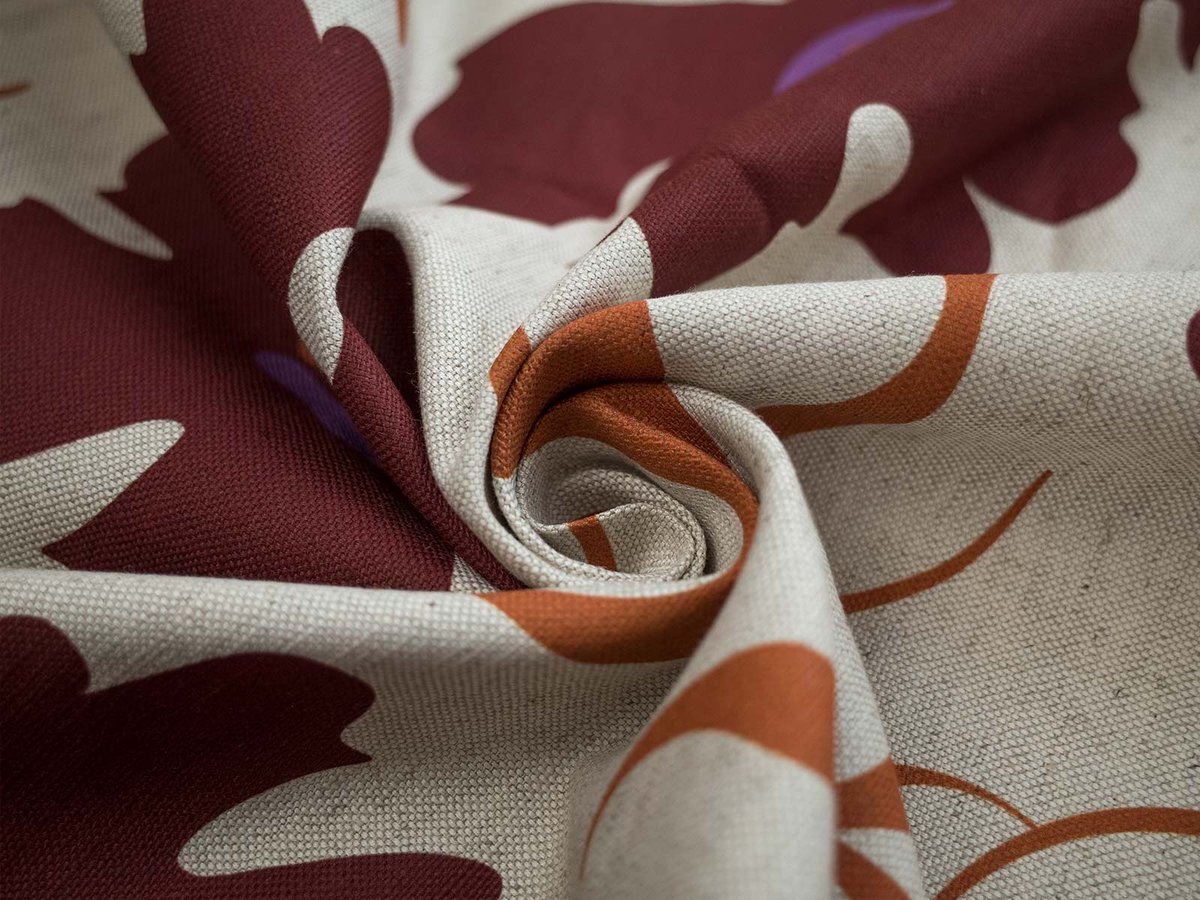
For pigment printing on natural fabrics (cotton, linen, viscose, jersey and blends) and sublimation printing on polyester fabrics, the printer does not lay down white ink. Any area that is pure white in your file stays unprinted, and the fabric itself shows through.
To leave an area unprinted:
- Fill it with pure white: RGB 255, 255, 255 (#FFFFFF)
- Do not use off-white or very light grey. Values like #FEFEFE or #F8F8F8 are treated as a colour and will be printed as a faint tint
- Do not use transparency. Transparent areas are not processed reliably by our print software, so always fill unprinted areas with solid white
Keep in mind that unprinted areas take the colour of the base fabric. On white fabrics they look white. On natural or undyed fabrics, such as Rustic Linen in natural colour or Pure Linen, they show a warm beige or ivory tone. If you need a clean white background, choose a fabric with a white base.
DTF printing on finished garments
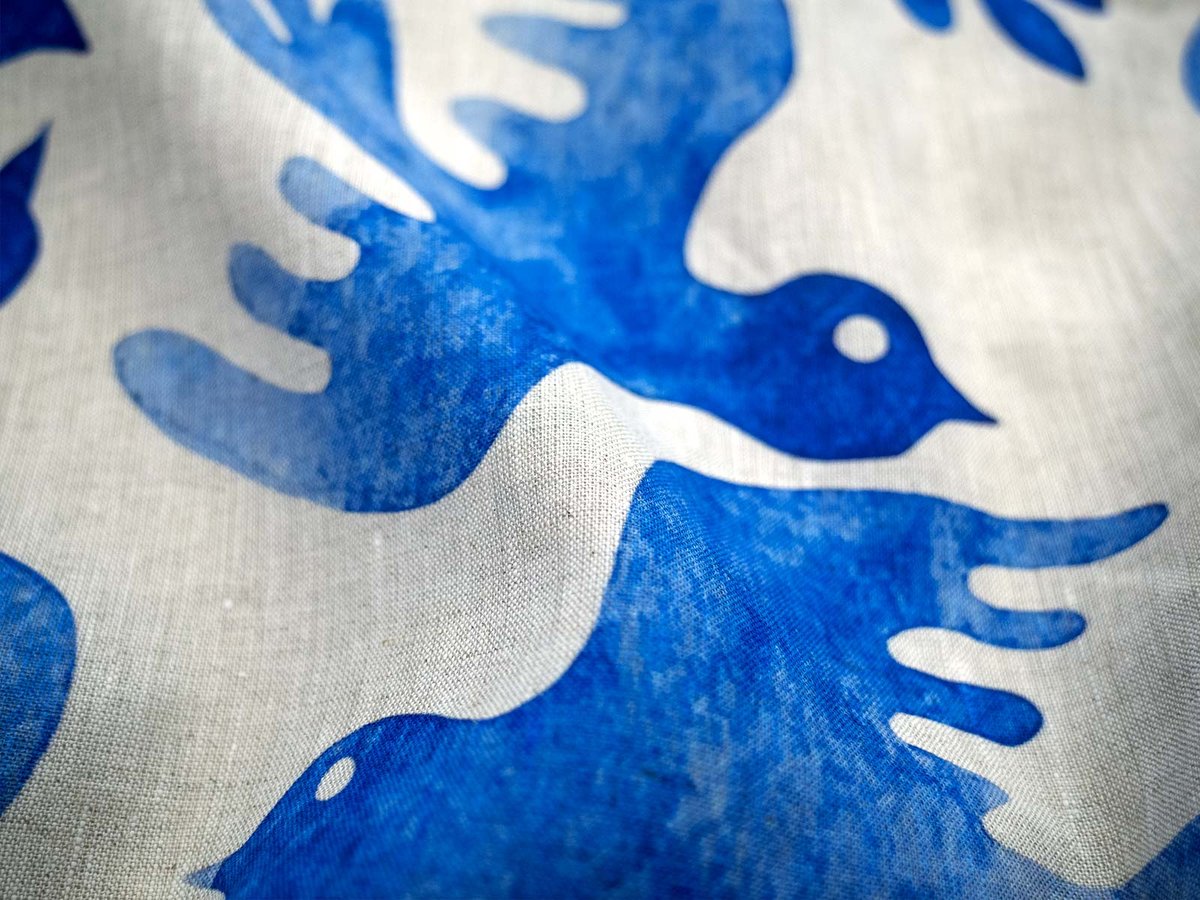
DTF works the other way round. The design is printed onto a transfer film with a white underbase, so anything white in your file is printed as white ink on the garment.
To leave an area of a DTF garment unprinted:
- Save your file as a PNG with a transparent background
- Make every area that should show the garment colour transparent, not white
- Use white only where you actually want white ink, for example white text on a dark t-shirt
A white background left in a DTF file will be printed as a white rectangle around your design.
Quick reference
| Printing method | White in the file | To leave fabric unprinted |
|---|---|---|
| Digital printing on natural fabrics | Not printed | Use pure white #FFFFFF |
| Sublimation on polyester | Not printed | Use pure white #FFFFFF |
| DTF on finished garments | Printed as white ink | Use transparency (PNG) |
Related articles
→ How to prepare files for printing
→ What is the difference between DTF printing and sublimation?
→ What color profile should I use for fabric printing?