

Designing
- How to prepare files for printing
- How to reduce the file size for fabric printing without losing quality?
- Why does my design look blurry in the editor?
- Can I upload files with a resolution of more than 300 dpi?
- What is a linear meter?
- Does my design remain private?
- Can I print photos on fabric?
- What if I can't upload my design?
- What color profile should I use for fabric printing?
- How to order a personalized textile product with my design?
- Are there any minimum order requirements for personalized textile products?
- How do I leave areas of the fabric unprinted?
Production
- Is your printing eco-friendly?
- What technique and machine do you print with?
- What printing methods are available for custom textile items?
- What is pretreatment in fabric printing and why is it needed?
- What is the difference between DTF printing and sublimation?
- What is OEKO-TEX certification and why does it matter?
- Can you print on dark-colored fabrics?
- How to care for custom printed fabric and DTF garments
- How to achieve accurate colors in custom fabric printing
- What is digital pigment printing on fabric and how does it compare to sublimation?
Wholesale & B2B
- Do you have a minimum order quantity for wholesale fabric printing?
- How do I place a bulk fabric printing order?
- Does Muzefab offer white-label fulfillment and dropshipping?
- Can I get a VAT invoice for my business order?
- How does cut and sew manufacturing work at Muzefab?
- How do I get a custom quote for a large or complex order?
My orders
Payment and Delivery
How do I leave areas of the fabric unprinted?
If you want part of the fabric to stay unprinted, so the natural colour of the base fabric shows through, how you prepare the file depends on the printing method. For fabric printing by the meter and all-over print products, white means "no ink". For DTF, white is printed as white ink.
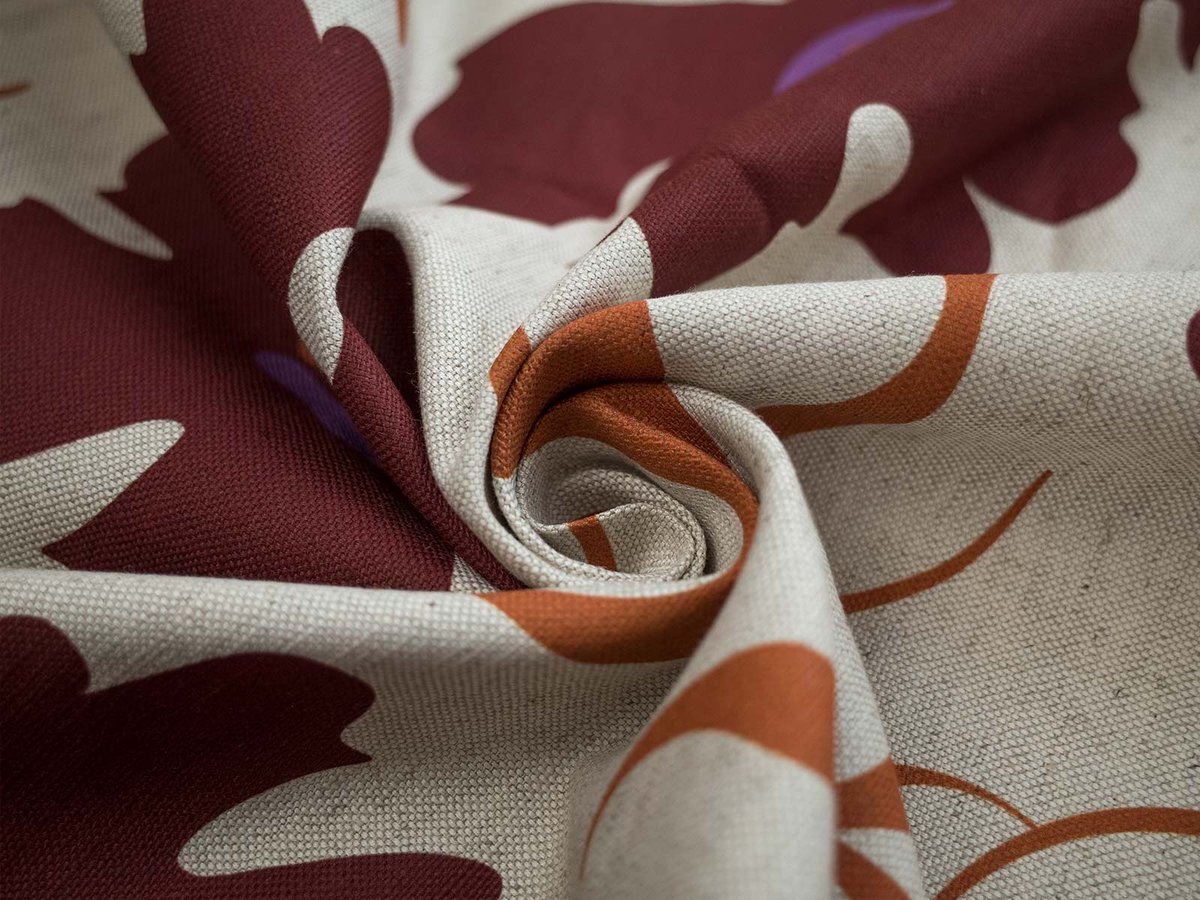
Digital printing on natural fabrics and sublimation on polyester
For pigment printing on natural fabrics (cotton, linen, viscose, jersey and blends) and sublimation printing on polyester fabrics, the printer does not lay down white ink. Any area that is pure white in your file stays unprinted, and the fabric itself shows through.
To leave an area unprinted:
- Fill it with pure white: RGB 255, 255, 255 (#FFFFFF)
- Do not use off-white or very light grey. Values like #FEFEFE or #F8F8F8 are treated as a colour and will be printed as a faint tint
- Do not use transparency. Transparent areas are not processed reliably by our print software, so always fill unprinted areas with solid white
Keep in mind that unprinted areas take the colour of the base fabric. On white fabrics they look white. On natural or undyed fabrics, such as Rustic Linen in natural colour or Pure Linen, they show a warm beige or ivory tone. If you need a clean white background, choose a fabric with a white base.
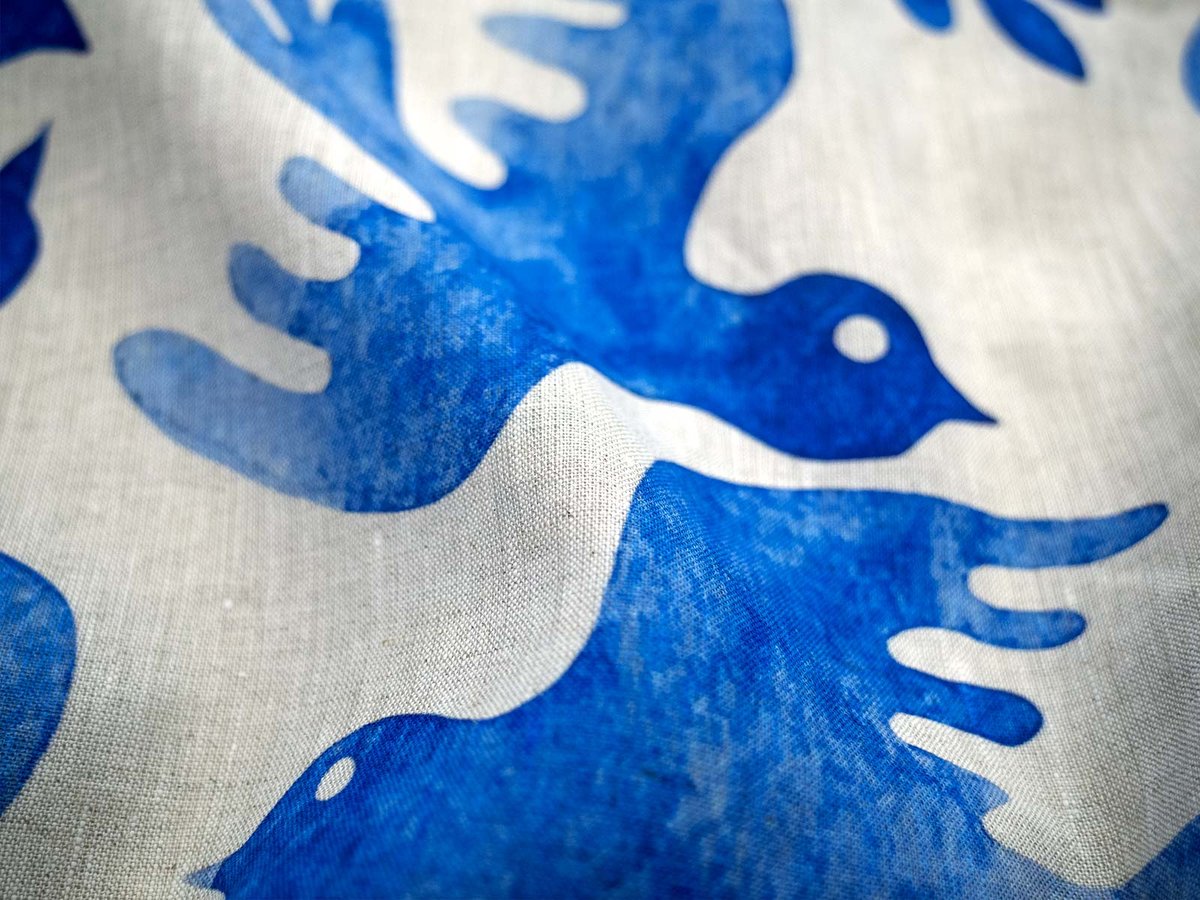
DTF printing on finished garments
DTF works the other way round. The design is printed onto a transfer film with a white underbase, so anything white in your file is printed as white ink on the garment.
To leave an area of a DTF garment unprinted:
- Save your file as a PNG with a transparent background
- Make every area that should show the garment colour transparent, not white
- Use white only where you actually want white ink, for example white text on a dark t-shirt
A white background left in a DTF file will be printed as a white rectangle around your design.
Quick reference
| Printing method | White in the file | To leave fabric unprinted |
|---|---|---|
| Digital printing on natural fabrics | Not printed | Use pure white #FFFFFF |
| Sublimation on polyester | Not printed | Use pure white #FFFFFF |
| DTF on finished garments | Printed as white ink | Use transparency (PNG) |
Related articles
→ How to prepare files for printing
→ What is the difference between DTF printing and sublimation?
→ What color profile should I use for fabric printing?