

Gestaltung
- Dateien für den Druck vorbereiten
- Wie reduziert man die Dateigröße für den Stoffdruck ohne Qualitätsverlust?
- Warum sieht mein Design im Editor unscharf aus?
- Kann ich Dateien mit einer Auflösung von mehr als 300 dpi hochladen?
- Was ist ein laufender Meter?
- Bleibt mein Design privat?
- Kann ich Fotos auf Stoff drucken lassen?
- Was ist, wenn ich mein Design nicht hochladen kann?
- Welches Farbprofil sollte ich für den Stoffdruck verwenden?
- Wie bestellt man ein personalisiertes Textilprodukt mit eigenem Design?
- Gibt es eine Mindestbestellmenge für personalisierte Textilprodukte?
- How do I leave areas of the fabric unprinted?
Produktion
- Ist Ihr Druck umweltfreundlich?
- Mit welcher Technik und auf welchen Maschinen wird gedruckt?
- Welche Druckverfahren sind für personalisierte Textilprodukte verfügbar?
- Was ist eine Vorbehandlung und wozu dient sie?
- Was ist der Unterschied zwischen DTF-Druck und Sublimation?
- Was ist die OEKO-TEX-Zertifizierung und warum ist sie wichtig?
- Können Sie auf dunklen Stoffen drucken?
- Wie pflegt man individuell bedruckte Stoffe und DTF-Kleidungsstücke?
- Wie erzielt man präzise Farben beim individuellen Stoffdruck?
- Was ist digitaler Pigmentdruck auf Stoff und wie unterscheidet er sich von Sublimation?
Großhandel und B2B
- Gibt es eine Mindestbestellmenge für Stoffdruck im Großhandel?
- Wie gebe ich eine Großbestellung für Stoffdruck auf?
- Bietet Muzefab White-Label-Fulfillment und Dropshipping an?
- Kann ich für meine Geschäftsbestellung eine Rechnung mit ausgewiesener Mehrwertsteuer erhalten?
- Wie funktioniert die Cut-and-Sew-Produktion bei Muzefab?
- Wie erhalte ich ein individuelles Angebot für eine große oder komplexe Bestellung?
Meine Bestellungen
Zahlung und Lieferung
How do I leave areas of the fabric unprinted?
If you want part of the fabric to stay unprinted, so the natural colour of the base fabric shows through, how you prepare the file depends on the printing method. For fabric printing by the meter and all-over print products, white means "no ink". For DTF, white is printed as white ink.
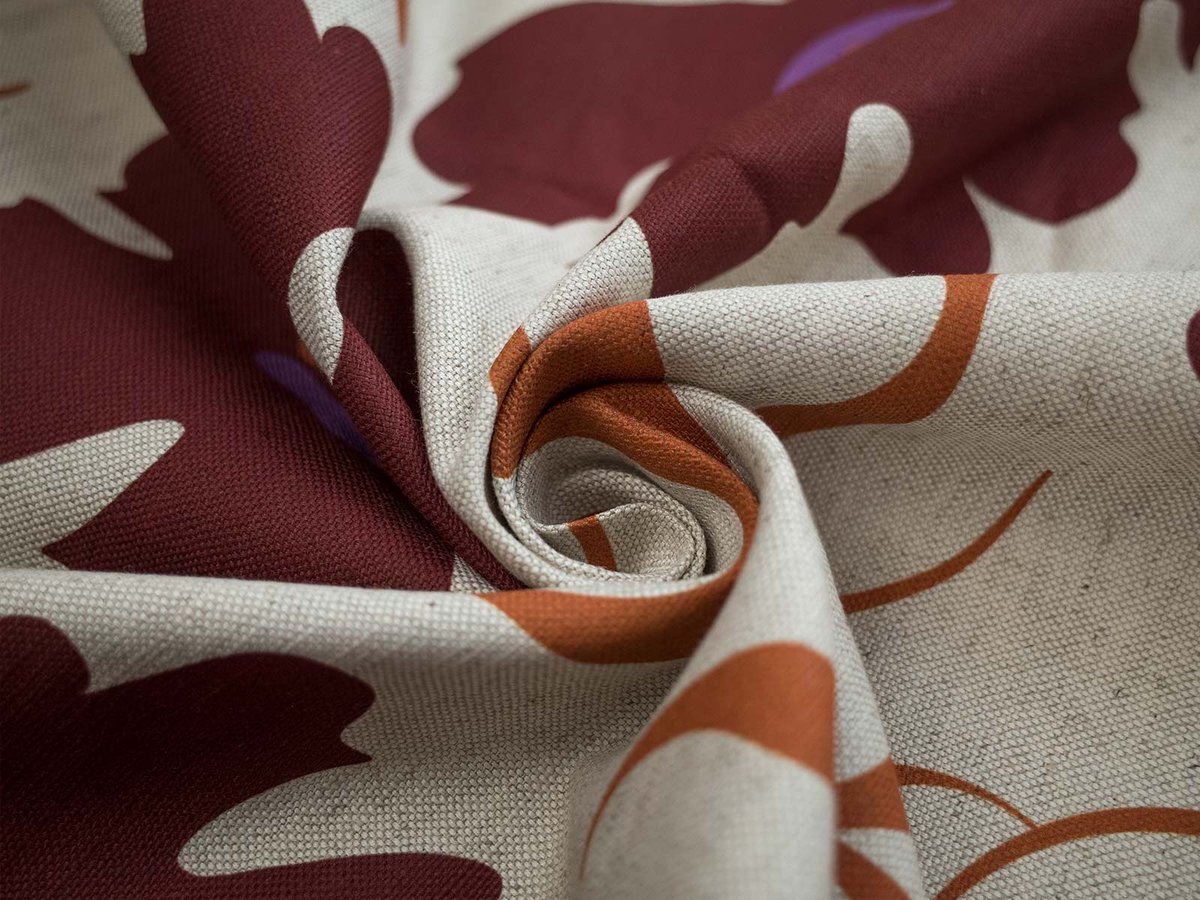
Digital printing on natural fabrics and sublimation on polyester
For pigment printing on natural fabrics (cotton, linen, viscose, jersey and blends) and sublimation printing on polyester fabrics, the printer does not lay down white ink. Any area that is pure white in your file stays unprinted, and the fabric itself shows through.
To leave an area unprinted:
- Fill it with pure white: RGB 255, 255, 255 (#FFFFFF)
- Do not use off-white or very light grey. Values like #FEFEFE or #F8F8F8 are treated as a colour and will be printed as a faint tint
- Do not use transparency. Transparent areas are not processed reliably by our print software, so always fill unprinted areas with solid white
Keep in mind that unprinted areas take the colour of the base fabric. On white fabrics they look white. On natural or undyed fabrics, such as Rustic Linen in natural colour or Pure Linen, they show a warm beige or ivory tone. If you need a clean white background, choose a fabric with a white base.
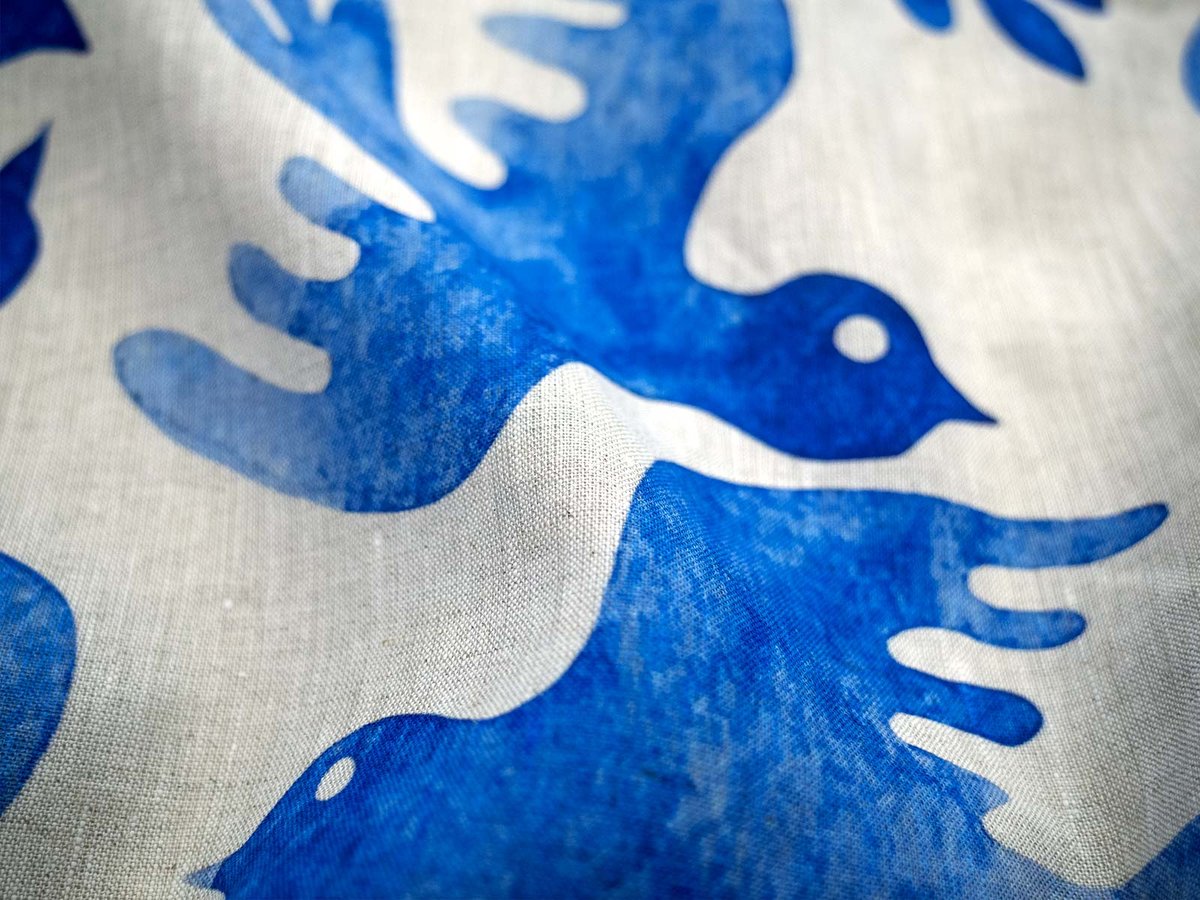
DTF printing on finished garments
DTF works the other way round. The design is printed onto a transfer film with a white underbase, so anything white in your file is printed as white ink on the garment.
To leave an area of a DTF garment unprinted:
- Save your file as a PNG with a transparent background
- Make every area that should show the garment colour transparent, not white
- Use white only where you actually want white ink, for example white text on a dark t-shirt
A white background left in a DTF file will be printed as a white rectangle around your design.
Quick reference
| Printing method | White in the file | To leave fabric unprinted |
|---|---|---|
| Digital printing on natural fabrics | Not printed | Use pure white #FFFFFF |
| Sublimation on polyester | Not printed | Use pure white #FFFFFF |
| DTF on finished garments | Printed as white ink | Use transparency (PNG) |
Related articles
→ How to prepare files for printing
→ What is the difference between DTF printing and sublimation?
→ What color profile should I use for fabric printing?