

Dizains
- Kā sagatavot failus drukai
- Kā samazināt faila izmēru auduma drukai, nezaudējot kvalitāti?
- Kāpēc mans dizains redaktorā izskatās izplūdis?
- Vai varu augšupielādēt failus ar izšķirtspēju virs 300 dpi?
- Kas ir tekošais metrs?
- Vai mans dizains paliek privāts?
- Vai varu drukāt fotogrāfijas uz auduma?
- Ko darīt, ja nevaru augšupielādēt savu dizainu?
- Kādu krāsu profilu izmantot auduma drukai?
- Kā pasūtīt personalizētu tekstila izstrādājumu ar savu dizainu?
- Vai personalizētiem tekstila izstrādājumiem ir minimālā pasūtījuma prasības?
- How do I leave areas of the fabric unprinted?
Ražošana
- Vai jūsu druka ir videi draudzīga?
- Ar kādu tehniku un iekārtām jūs drukājat?
- Kādas drukas metodes ir pieejamas individuāliem tekstila izstrādājumiem?
- Kas ir pirmapstrāde auduma drukā un kāpēc tā nepieciešama?
- Kāda ir atšķirība starp DTF druku un sublimāciju?
- Kas ir OEKO-TEX sertifikācija un kāpēc tā ir svarīga?
- Vai varat drukāt uz tumšas krāsas audumiem?
- Kā kopt individuāli apdrukātu audumu un DTF apģērbus
- Kā panākt precīzas krāsas individuālā auduma drukā
- Kas ir digitālā pigmenta druka uz auduma un kā tā atšķiras no sublimācijas?
Vairumtirdzniecība un B2B
- Vai vairumtirdzniecības auduma drukai ir minimālais pasūtījuma apjoms?
- Kā veikt lielapjoma auduma drukas pasūtījumu?
- Vai Muzefab piedāvā white-label izpildi un dropshipping?
- Vai varu saņemt PVN rēķinu sava uzņēmuma pasūtījumam?
- Kā Muzefab darbojas cut and sew ražošana?
- Kā saņemt individuālu piedāvājumu lielam vai sarežģītam pasūtījumam?
Mani pasūtījumi
Maksājumi un piegāde
How do I leave areas of the fabric unprinted?
If you want part of the fabric to stay unprinted, so the natural colour of the base fabric shows through, how you prepare the file depends on the printing method. For fabric printing by the meter and all-over print products, white means "no ink". For DTF, white is printed as white ink.
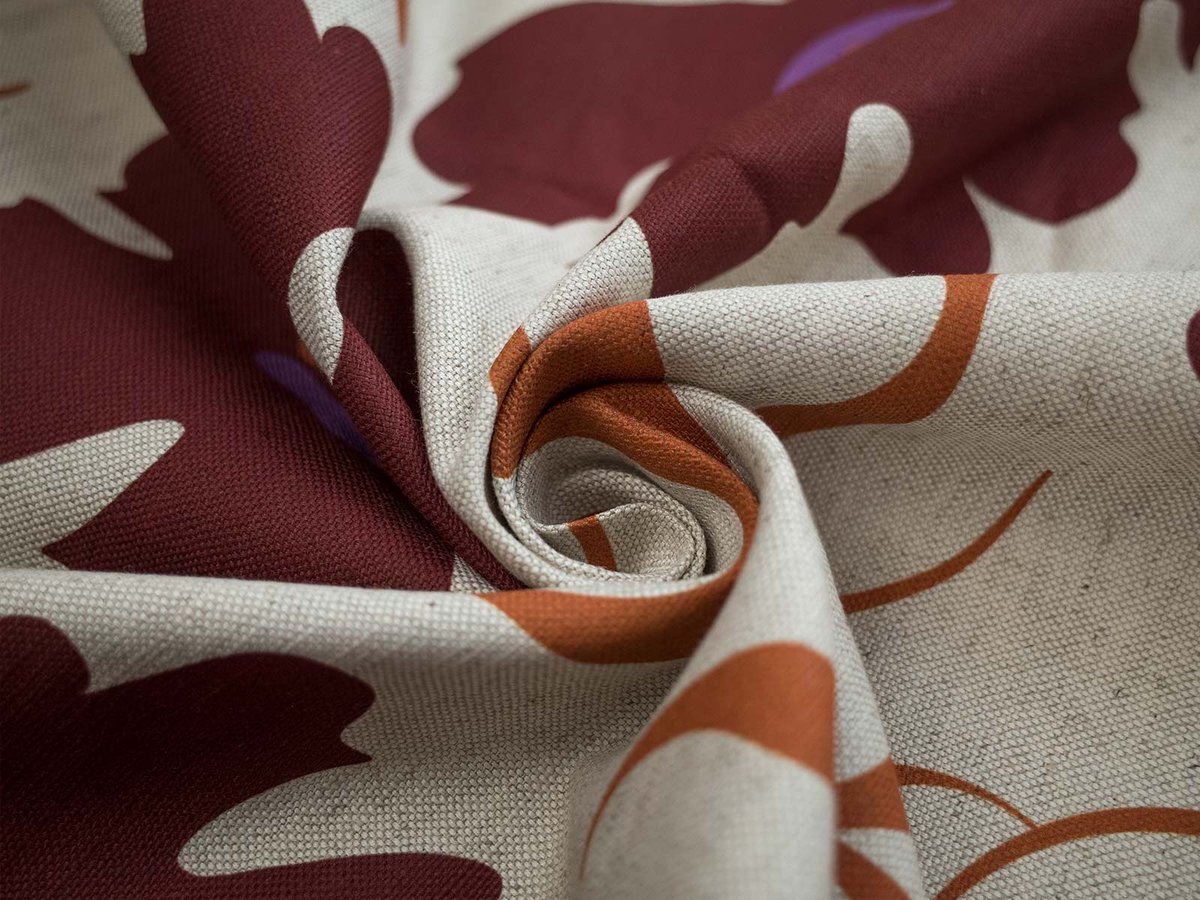
Digital printing on natural fabrics and sublimation on polyester
For pigment printing on natural fabrics (cotton, linen, viscose, jersey and blends) and sublimation printing on polyester fabrics, the printer does not lay down white ink. Any area that is pure white in your file stays unprinted, and the fabric itself shows through.
To leave an area unprinted:
- Fill it with pure white: RGB 255, 255, 255 (#FFFFFF)
- Do not use off-white or very light grey. Values like #FEFEFE or #F8F8F8 are treated as a colour and will be printed as a faint tint
- Do not use transparency. Transparent areas are not processed reliably by our print software, so always fill unprinted areas with solid white
Keep in mind that unprinted areas take the colour of the base fabric. On white fabrics they look white. On natural or undyed fabrics, such as Rustic Linen in natural colour or Pure Linen, they show a warm beige or ivory tone. If you need a clean white background, choose a fabric with a white base.
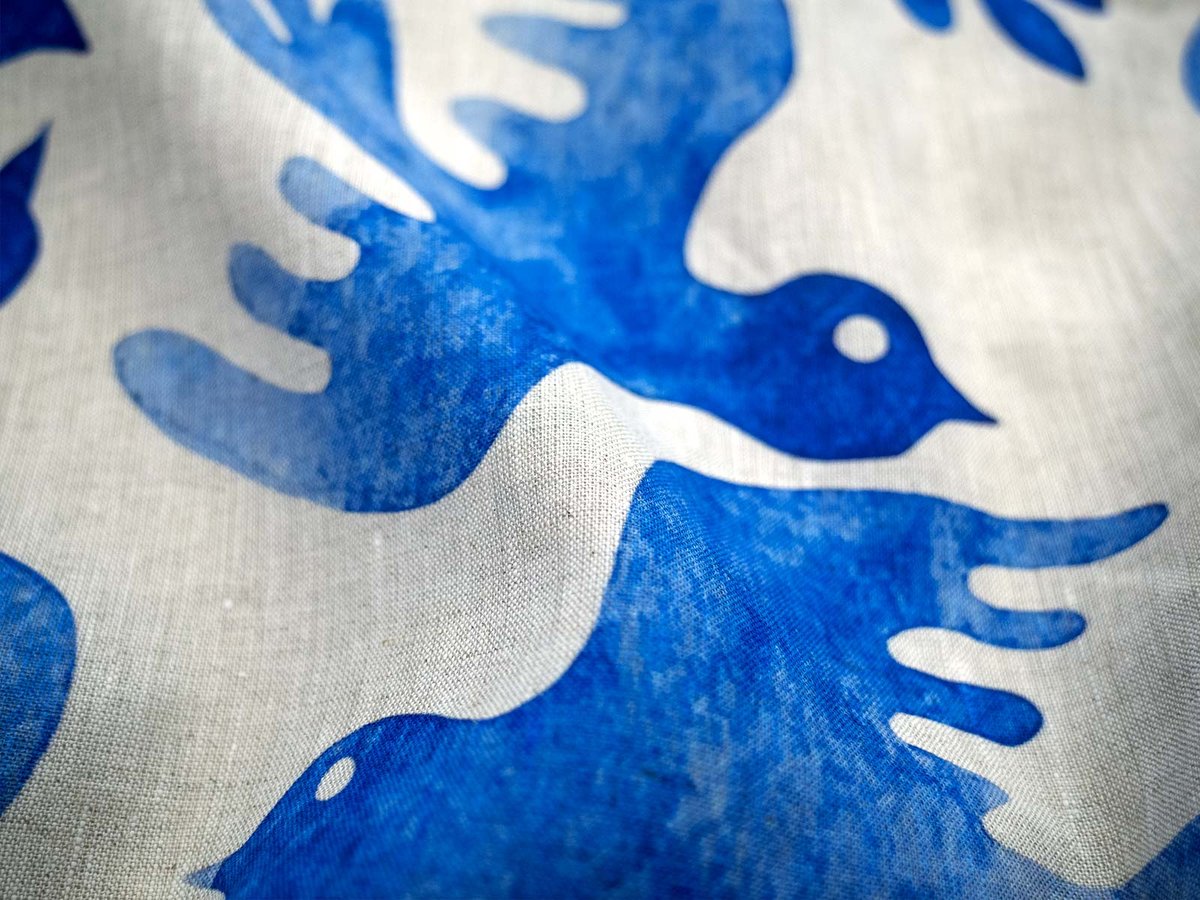
DTF printing on finished garments
DTF works the other way round. The design is printed onto a transfer film with a white underbase, so anything white in your file is printed as white ink on the garment.
To leave an area of a DTF garment unprinted:
- Save your file as a PNG with a transparent background
- Make every area that should show the garment colour transparent, not white
- Use white only where you actually want white ink, for example white text on a dark t-shirt
A white background left in a DTF file will be printed as a white rectangle around your design.
Quick reference
| Printing method | White in the file | To leave fabric unprinted |
|---|---|---|
| Digital printing on natural fabrics | Not printed | Use pure white #FFFFFF |
| Sublimation on polyester | Not printed | Use pure white #FFFFFF |
| DTF on finished garments | Printed as white ink | Use transparency (PNG) |
Related articles
→ How to prepare files for printing
→ What is the difference between DTF printing and sublimation?
→ What color profile should I use for fabric printing?